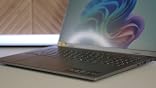
This is long, so the TLDR is that it's a good laptop if you are using it like a laptop and aren't hoping to turn AI flips. As a travel or school computer, I think you would be very happy with it. If you care for more detail, read on...
==== First Impressions ====
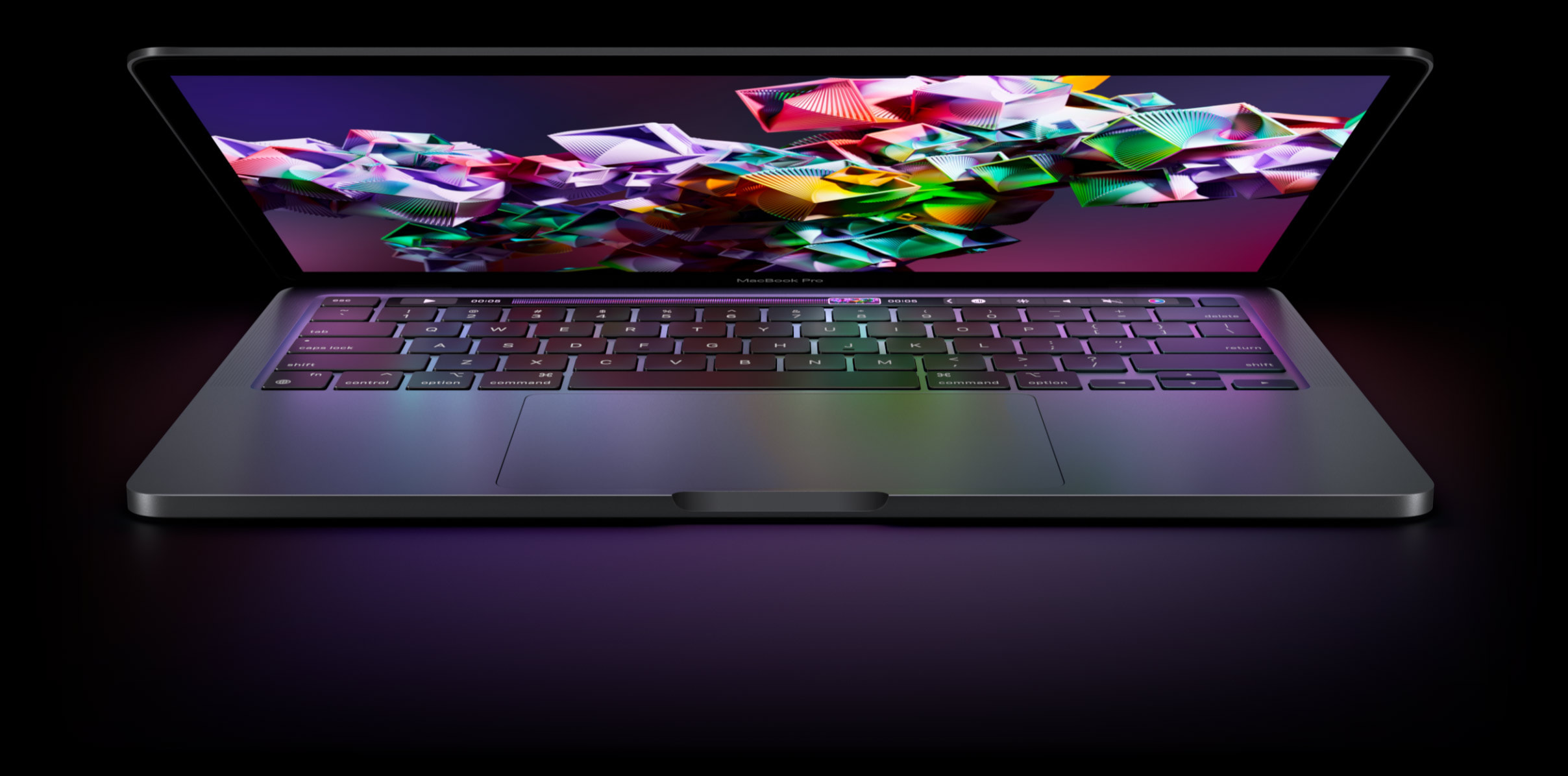
The laptop is sleek, lightweight, and has a large nice screen. I am usually not one for lighting effects, but the white glow off the side of the keys actually looks really nice.
It's been about 10 years since I last bought a laptop. One of the things that immediately struck me was the size of the trackpad. It's massive! Maybe that's how things are now, but the freedom of movement compared to my last laptop is great. But, there were no trackpad buttons on it so doing a right-click was a mystery at first (tap with two fingers to right click). Once figured out, it's nice.
Although, scrolling is still an issue. It's just more awkward.
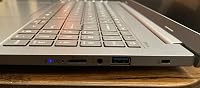
Initial setup was smooth but irritating. There is no ethernet port so WiFi is REQUIRED to even boot up the first time. No ethernet port is nonsensical, so instead of being in my office I have to sit in the kitchen to use it.
You also have to log in with a Microsoft account, to make sure they can track every single thing you do. This is more of a Microsoft issue than specific to the laptop, but that's the OS it's running so it counts.
Lastly, the setup process is loaded with stuff to spy on you. Most of it wants you to agree, but not all. It was one question after another of can we monitor your browsing habits, can we upload your private data to our servers, and on and on. At this point, you have to expect some of this nonsense, but this went to the point of feeling like a strip search.
Again, most of this was Microsoft, though some was Acer.
Aside from that, it didn't take too long and there were no issues.
==== Speed ====
It seems zippy for general use. Most of my laptop use is for web browsing, e-mail, and web-based apps. For that it's plenty fast and there was no real difference between it and my powerful desktop system.
==== AI Features ====
I found these to be gimmicky. It's all flash and sounds impressive, but none of it was actually useful. The closest would be image classification and search based off of a description, but most people will not be storing their family's photo album on a laptop that may get lost or stolen. If you do, cool feature. But, even for the most photo-enthusiastic, I can't see using that more than once a month.
While it's cool to be able to generate pictures that would be State Of The Art (SOTA) 2 years ago locally off of your own NPU, if you are doing it for anything other than playing around, you will be using something operating at today's capabilities.
==== Neural Processing Unit (NPU) ====
This was what I was really interested in! The marketing around the idea makes it sound like using an NPU could be more powerful than a traditional GPU for running AI models.
One thing to be aware of out of the gate is that the laptop's Qualcomm Snapdragon processor is an ARM processor. This means that it's running a special version of Windows and won't run just anything (though for super common software it shouldn't be a problem).
Fortunately, LM Studio has an ARM version just for this, so I was able to get going and set up PHI-4 Thinking without any issues. The response speed was not bad, definitely within an acceptable range, but when I went to check processor usage what I noticed was that the CPU was at 80% and the NPU was at 0%.
As it turns out, you can't just run an AI model as you normally would. Instead, it has to have been converted from GGUF/llama.cpp that you would typically find as standard to Qualcomm’s vendor specific format (QNN). And that is, most certainly, not a plug and play option.
Looking at Qualcomm's AI Hub, which is their own central repository for AI models that are ready to run on their special hardware and that they use to promote their ecosystem, there are a lot of models to choose from, but they are not up to date. For example, they have Qwen 2.5 but Qwen 3 has been out for 4 months. Similarly, they only have PHI 3.5 and PHI-4 has been out for 9 months.
The point being, Qualcomm's Snapdragon and NPU feels like a dead end technology. Even the hardware manufacturer is letting it sit on the vine. This whole NPU thing sounds great, but nobody is using it and the models are limited.
That said, if you have a need like efficient image recognition, it could still be useful.
==== Everything Together ====
While I think you should totally take out all the AI and NPU hype from your decision, it is a good laptop if you are buying it for a laptop. It is lightweight but still offers a good size keyboard, large screen, great battery life, much better speed than might be expected, and good ergonomics and physical appeal.
If you are buying this to stay up on e-mail and web-based work while you are traveling or need something for school, this would be a really good fit and I actually have zero complaints (minus the no ethernet port, which irks me).
I have also not heard any fan noise and only felt slight warmth if I put my hand on the bottom after extended periods of heavy CPU use. My guess is that it is just super efficient so it doesn't generate much heat, while performance is still good. Silence and staying cool is a definite plus.
So for typical laptop uses, I love it.