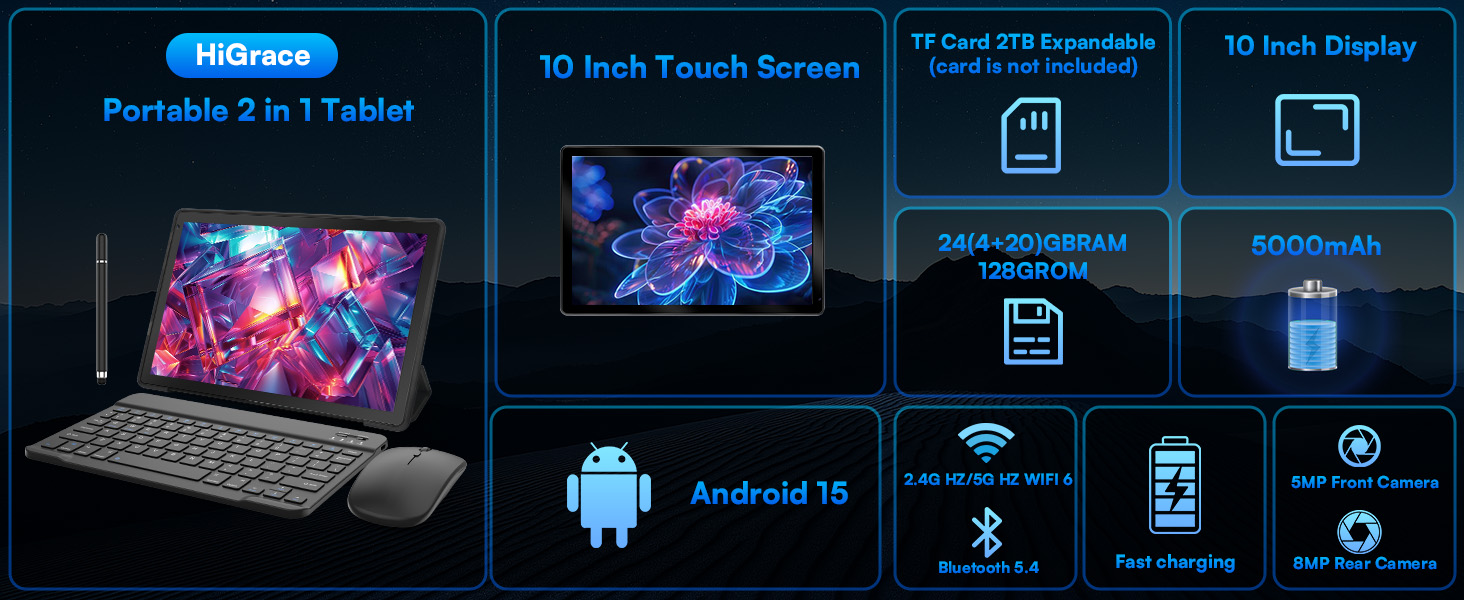
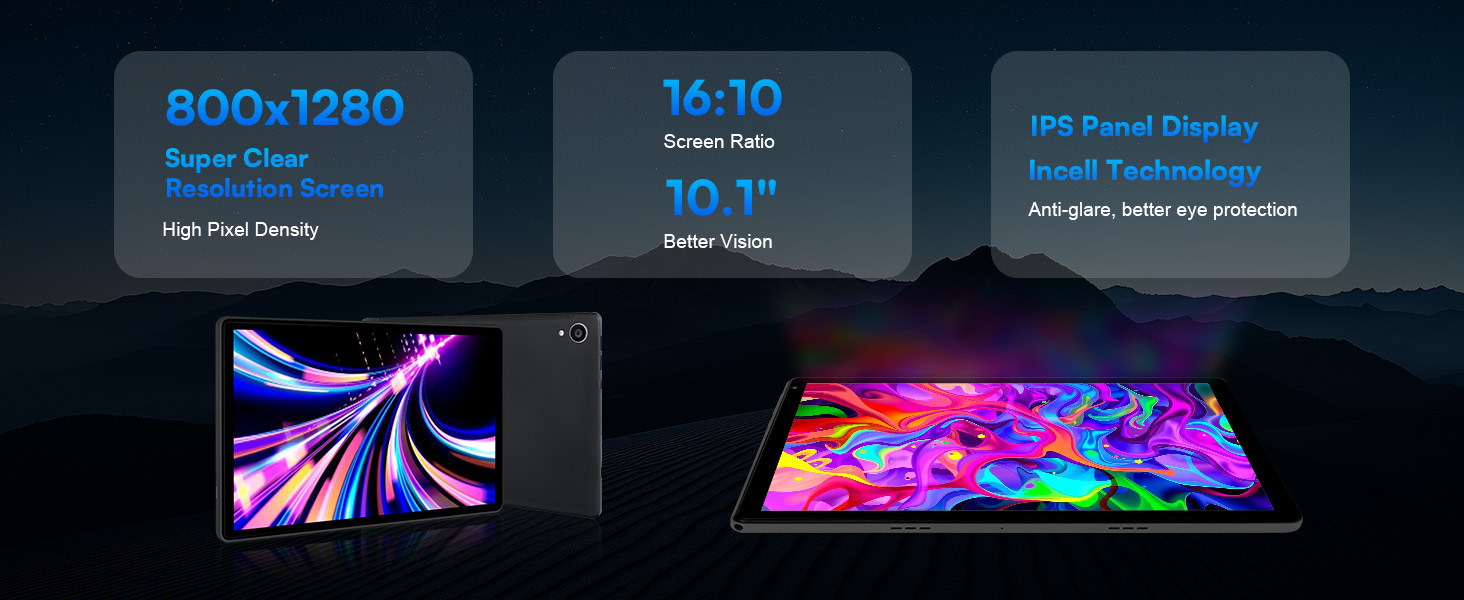
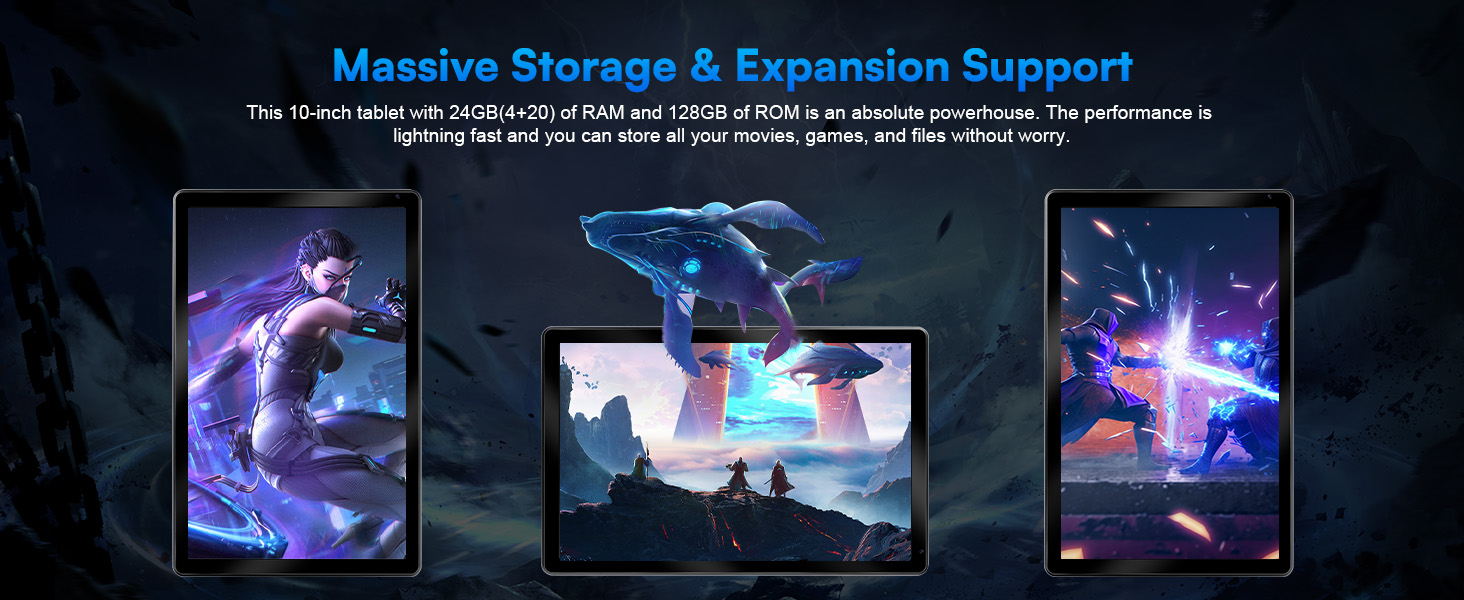
2025 Latest Upgraded Android 15 Tablet 10 Inch, 24GB+128GB+1TB Expand, WiFi 6 BT 5.4, Type-C Fast Charging, Dual Camera, Widevine L1 HD IPS Screen with Keyboard


Brief content visible, double tap to read full content.
Full content visible, double tap to read brief content.

Product Videos

Customer ReviewIt’s goodSee Full Review

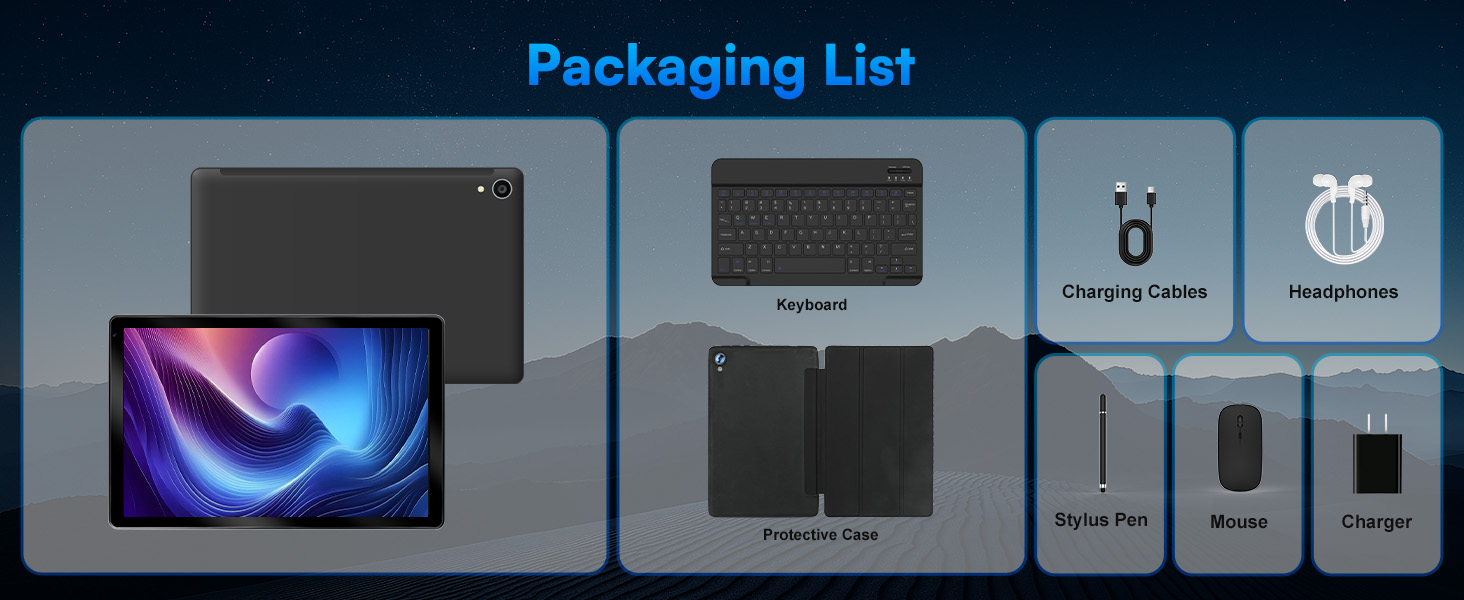
What"s in the box

  • Tablet, Keyboard, Mouse, Stylus, Tablet Case, Headphone

  • Product description

    tablet 10 inch
    Android tablet
    Packaging List
    A Wonderful Companion For Daily Life
    • 1.Reboot your tablet after charging for 30 minutes;

      2.Press and hold the power button for 5 seconds to turn off the tablet, then reboot it;· Press the reset button with a pin to reset the tablet.

    • 1.Charge the device for at least 30 minutes, in case the battery was completely drained;· Make sure the USB cable is properly plugged into the charging port;

      2.Try another compatible USB cable and adapter.

    • 1.Uninstall the app displaying the error message, then download and install again;

      2.Press the reset button with a pin to reset the tablet.

    • 1. Make sure the Wi-Fi on your tablet is ON and input the correct password;

      2.Reboot the router;

      3.Make sure there is no filter setting or device connection limitation in the settings of the router;

    • 1.Delete the apps you don't use;

      2.Clear the app cache regularly;

      3.Insert a microSD card to expand the storage.


    From the brand

    Customer reviews

    4.2 out of 5 stars

    Manufacturer Information
  • Tablet, Keyboard, Mouse, Stylus, Tablet Case, Headphone
  • tablet 10 inchtablet 10 inch
    Android tabletAndroid tablet
    1. 10 inch tablet
    2. tablet
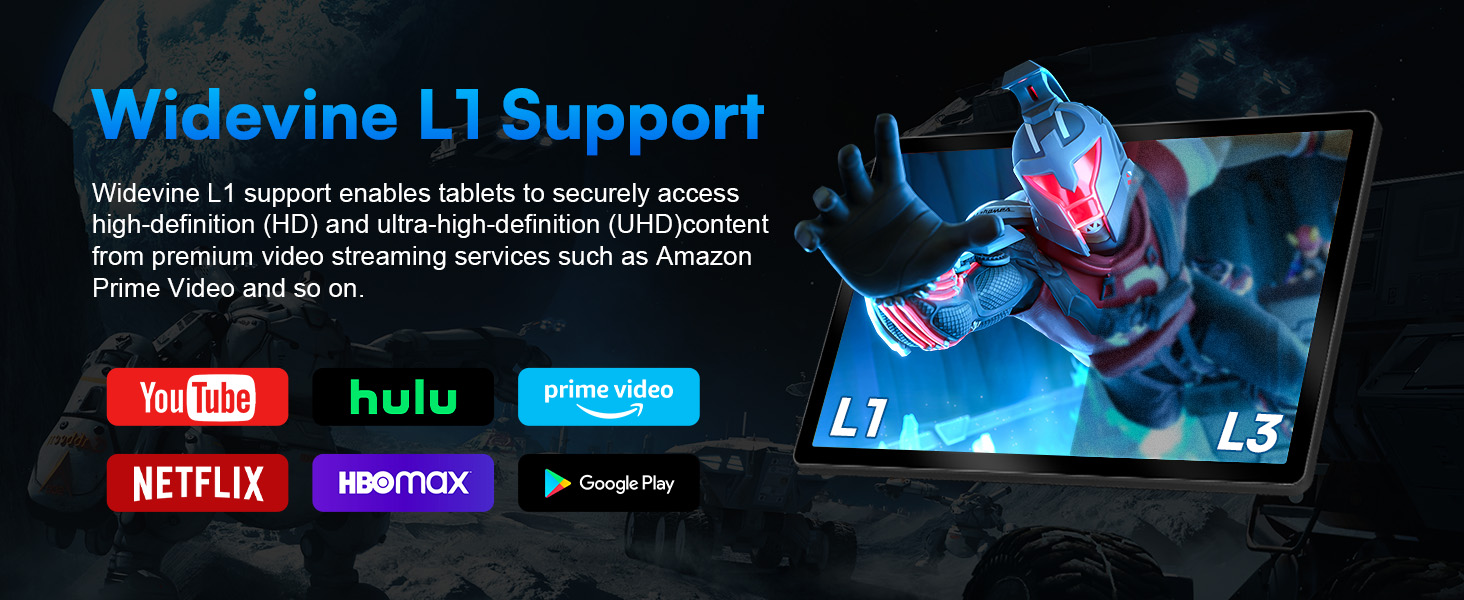
    3. High Definition Certification
    1. Higher performance Octa-core Processor
    2. Dual Speakers lmmersive Surround
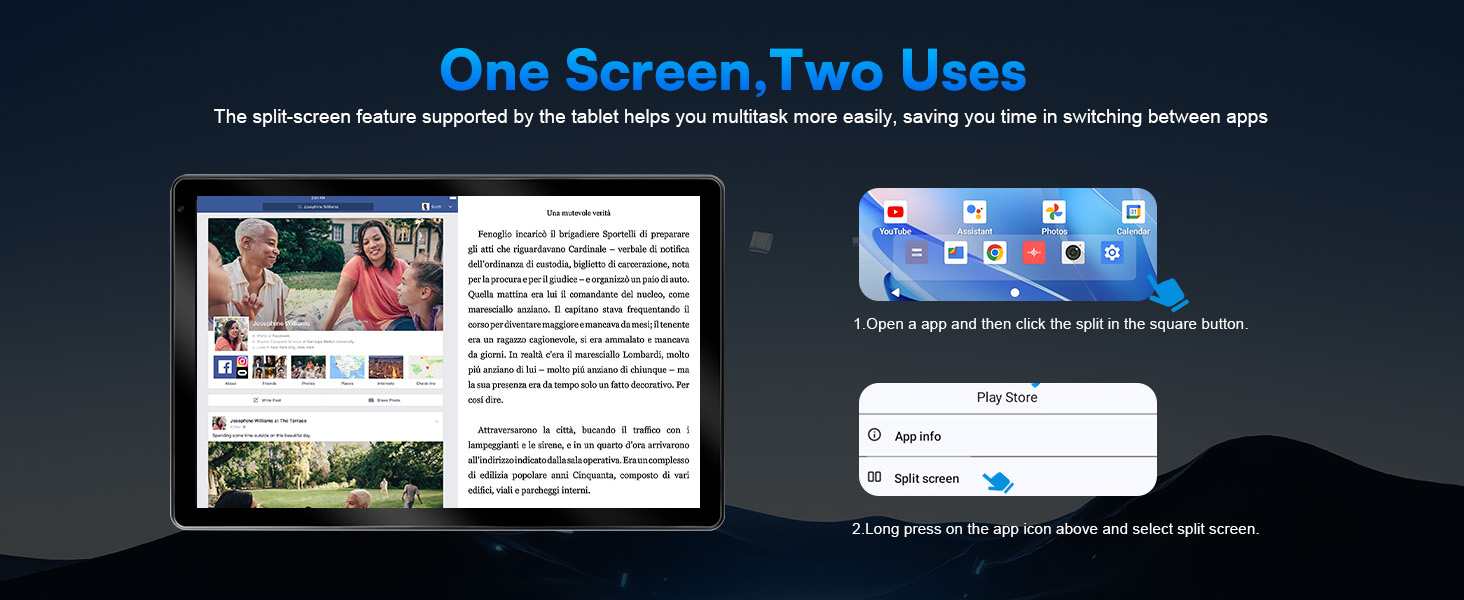
    3. One Screen,Two Uses
    Packaging ListPackaging List
    A Wonderful Companion For Daily LifeA Wonderful Companion For Daily Life
    • 1.Reboot your tablet after charging for 30 minutes;

      2.Press and hold the power button for 5 seconds to turn off the tablet, then reboot it;· Press the reset button with a pin to reset the tablet.

    • 1.Charge the device for at least 30 minutes, in case the battery was completely drained;· Make sure the USB cable is properly plugged into the charging port;

      2.Try another compatible USB cable and adapter.

    • 1.Uninstall the app displaying the error message, then download and install again;

      2.Press the reset button with a pin to reset the tablet.

    • 1. Make sure the Wi-Fi on your tablet is ON and input the correct password;

      2.Reboot the router;

      3.Make sure there is no filter setting or device connection limitation in the settings of the router;

    • 1.Delete the apps you don't use;

      2.Clear the app cache regularly;

      3.Insert a microSD card to expand the storage.


    From the brand

    Smarter technology blurs the lines between the physical and the virtual and brings raw computing power to every aspect of our lives. Experience the best graphics backed by a system that's powered with the latest in technology. Everything from slim, lightweight laptops for casual browsing to high-powered desktop solutions that cater to demanding applications.



    Laptops and Education

    Empowering educators and students to move the world forward.

    Learn more

    Work Desktops

    Get the power to take your business to the next level.

    Learn about Desktops at Work

    See why we mean business